01
Visual detail
Improved Visual Quality and Realism
More natural lighting, textures, and visual detail help your ideas take shape. The model improves image quality across 1K, 2K, and 4K output for product imagery, portraits, and campaign visuals.
Nano Banana 2.1 is Google’s AI image model for generating detailed visuals and editing photos with text prompts and image references.
0/5000 characters
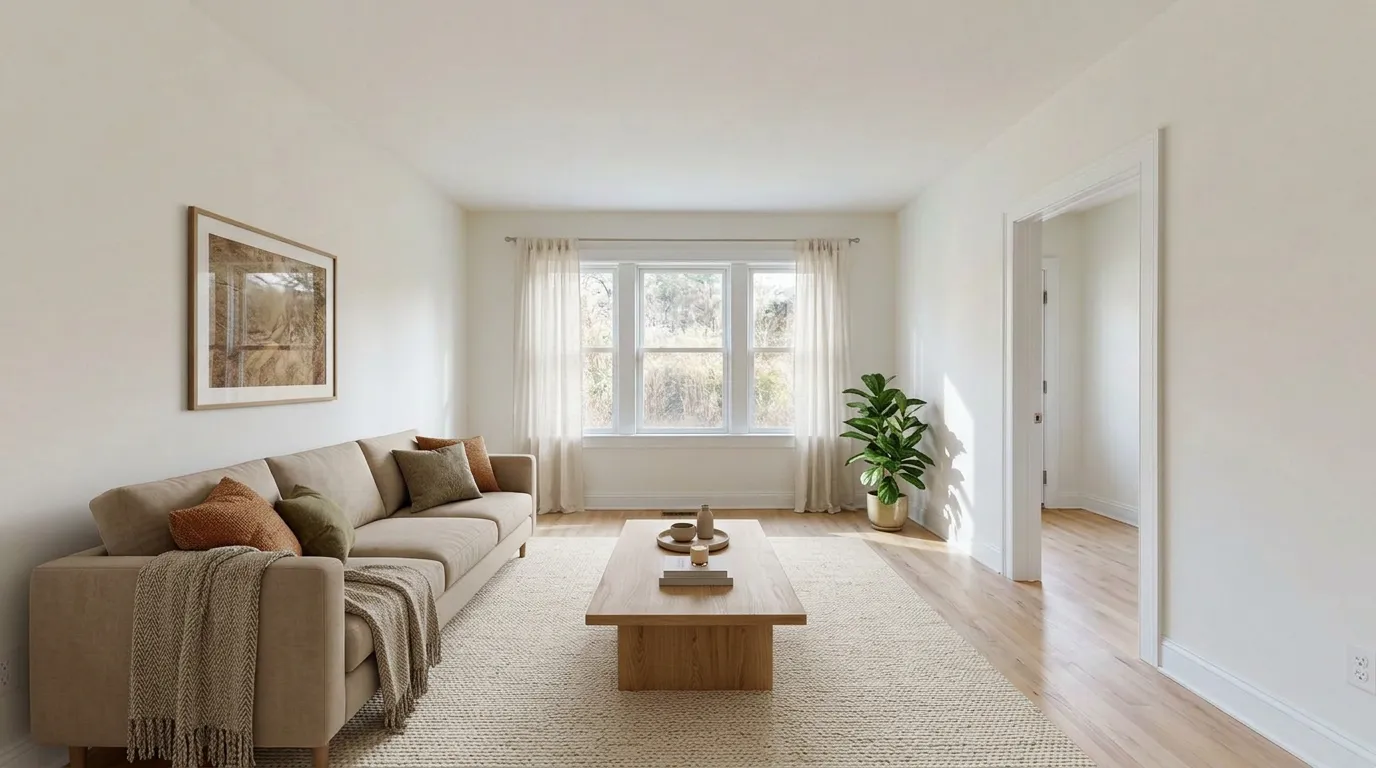 Template preview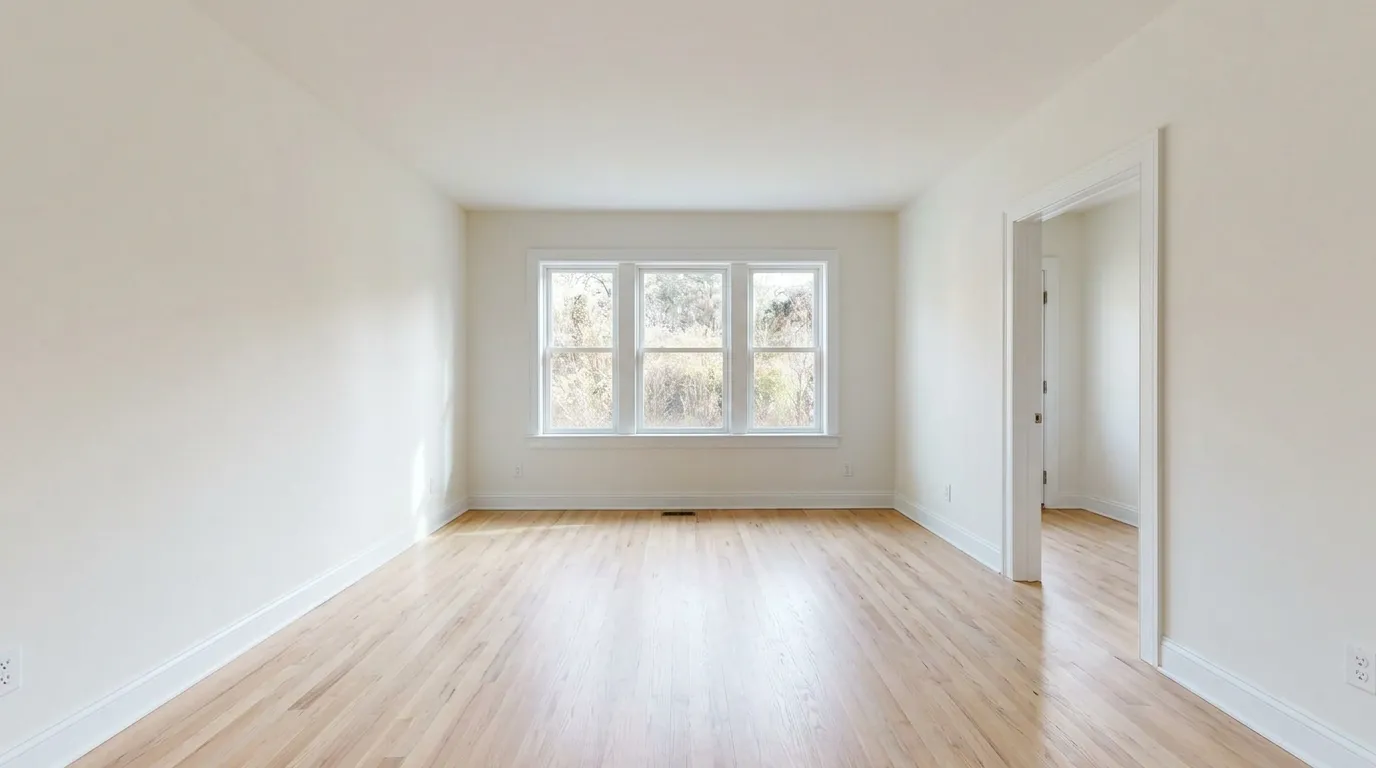
Living Room Virtual Staging
Image editing · 1K · 16:9
Independent third-party website. Not affiliated with Google or Google DeepMind.
Explore real examplesMeet the model
Nano Banana 2.1 is Google’s updated image generation and editing model, succeeding Nano Banana 2 in the efficiency-focused model line. It improves visual quality, instruction following, text rendering, and character consistency across multiple edits.
For your workflow, that means a model designed to handle both new image creation and changes to existing visuals. Start with a written brief, add references when details matter, and refine the result with a focused editing instruction.
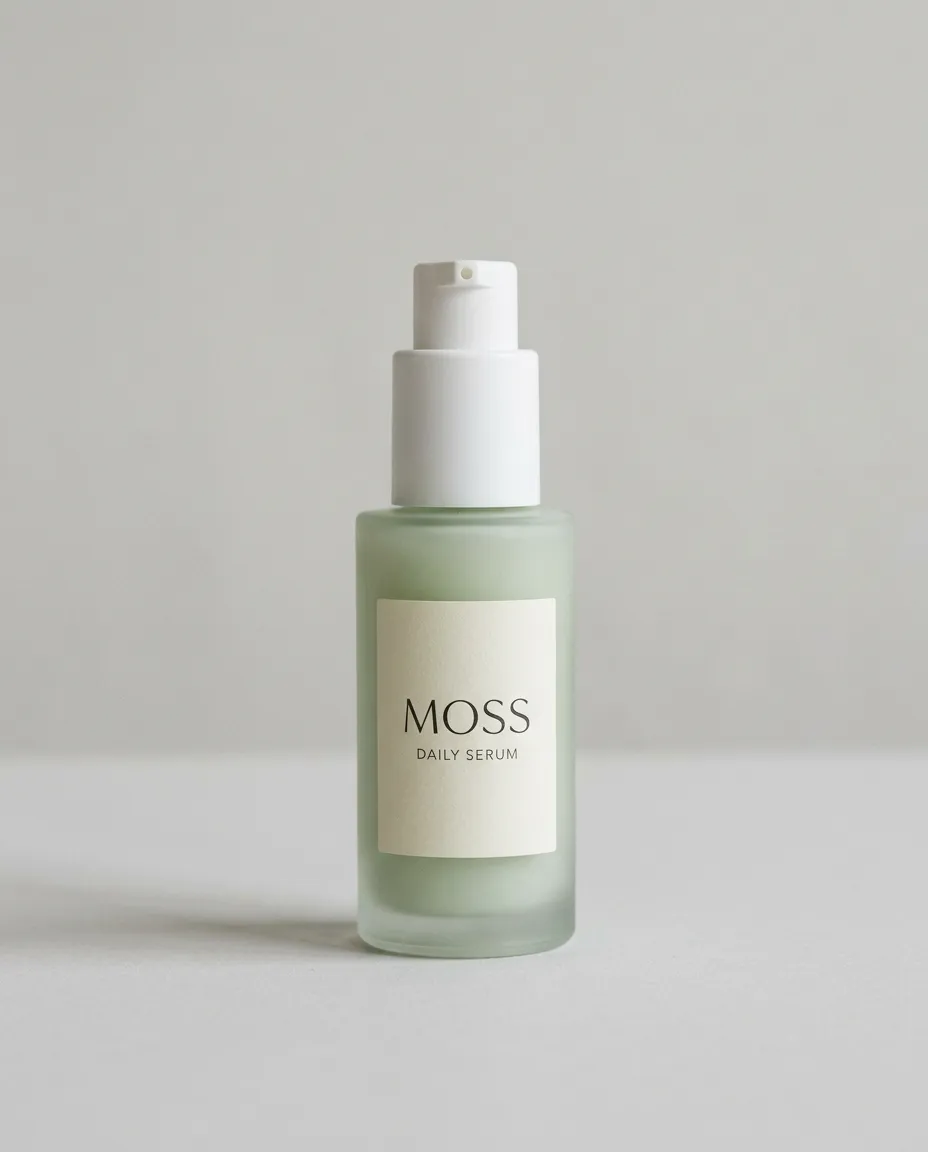 Before
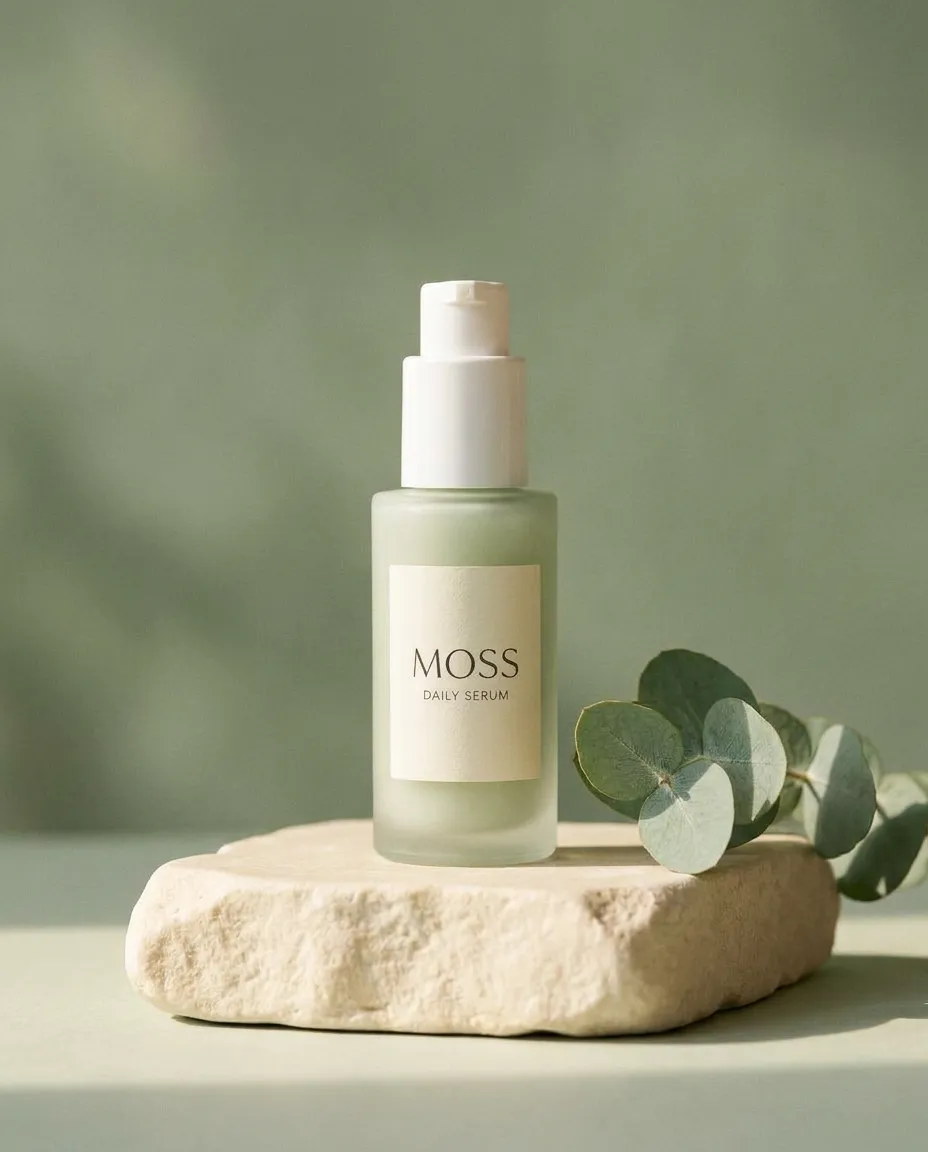 After
AfterWhat changes the result
Explore improvements in visual realism, text rendering, prompt adherence, and consistency across edits.
Visual detail
More natural lighting, textures, and visual detail help your ideas take shape. The model improves image quality across 1K, 2K, and 4K output for product imagery, portraits, and campaign visuals.
Creative control
Keep more of your brief in the finished image. Improved instruction following helps handle requirements for subjects, placement, composition, and style.
Readable design
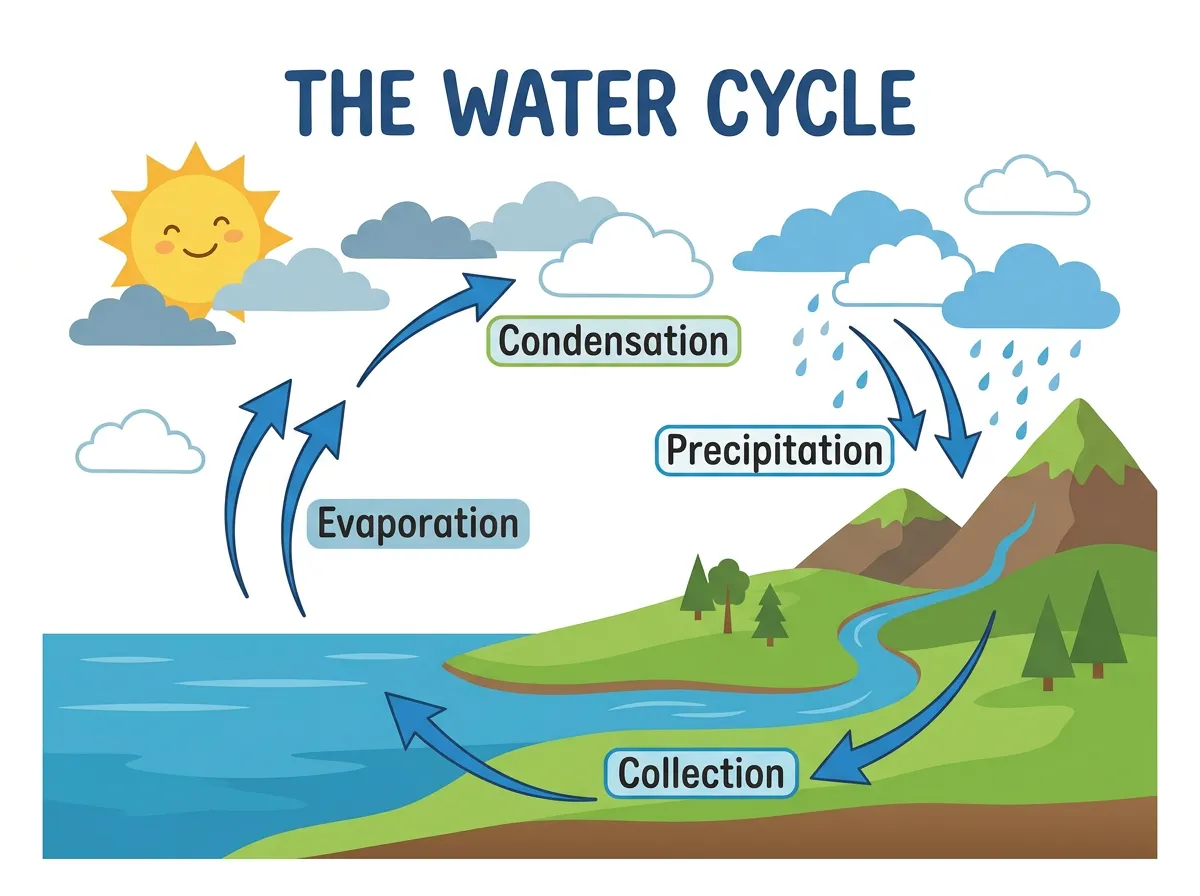
Create text-heavy visuals with improved lettering and infographic layout accuracy. Specify exact headlines, labels, and placement, then check the wording before publishing.
Reliable edits
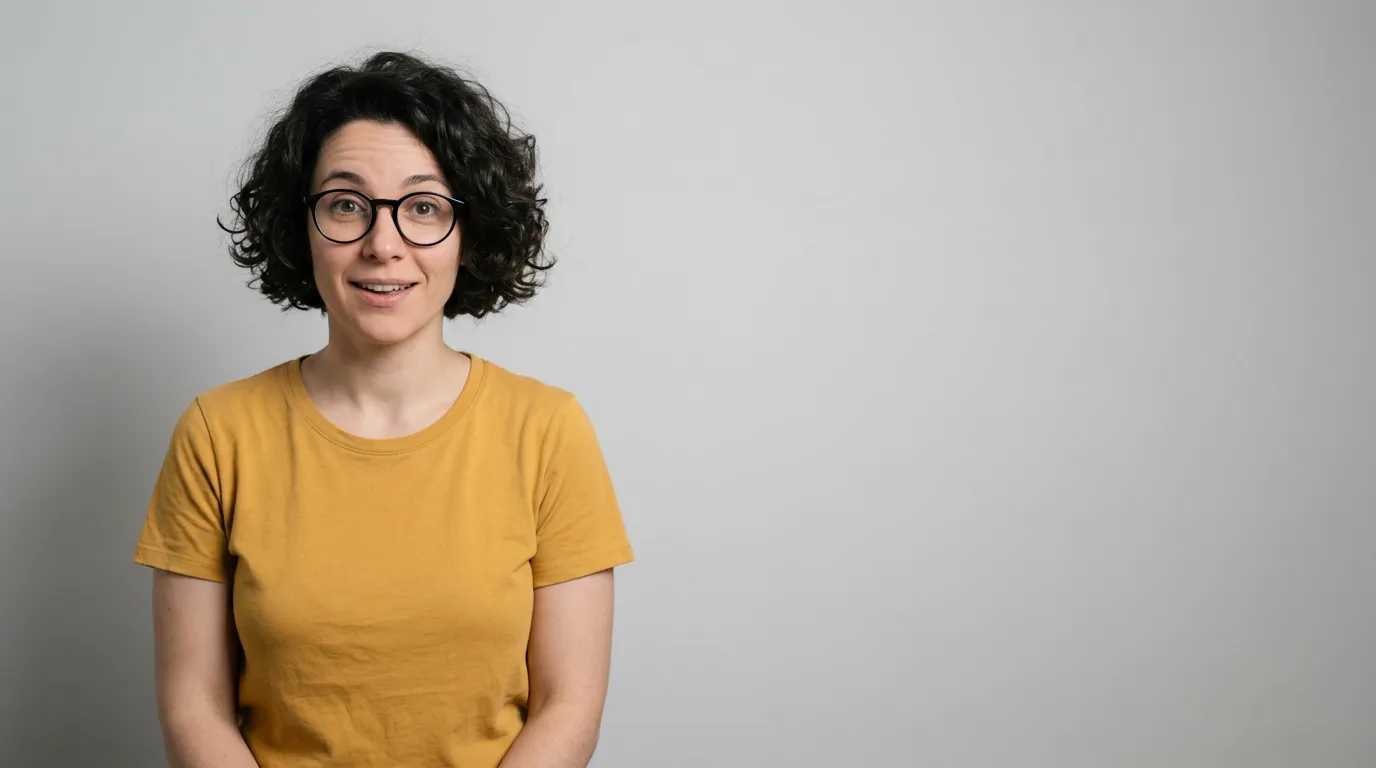
Develop a character or portrait through successive changes with less visual drift. Retain a recognizable appearance as you adjust clothing, settings, and details.
Multiple inputs
Bring people, products, and visual direction into one composition. The model supports up to 14 reference images, including up to four characters and ten objects. Available uploads depend on this workspace’s limits.
Flexible formats
Explore wider banners and taller compositions with improvements to tiling artifacts in 1:4, 4:1, 1:8, and 8:1 formats at 2K and 4K.
Put these capabilities to work in your next visual project.
Create with Nano Banana 2.1A simple workflow
Follow the workflow from your first prompt or uploaded image to the final download.
Start GeneratingChoose Text to Image for a new composition or Image Editing to change an existing photo. Explain your goal in natural language. When using references, identify which image should guide the person, product, setting, or style.
Choose your resolution, aspect ratio, and output format. Start at 1K to explore an idea, or select a larger output for your intended layout. Check the displayed credit cost before generating.
Inspect the result for lettering, faces, product details, and composition. If a detail needs adjustment, use the result as a reference and describe the next change. Download the image that fits your project.
Made with Nano Banana 2.1
Explore Nano Banana 2.1 examples across industries, with text-to-image results, photo edits, and prompts you can adapt to your own projects.
Input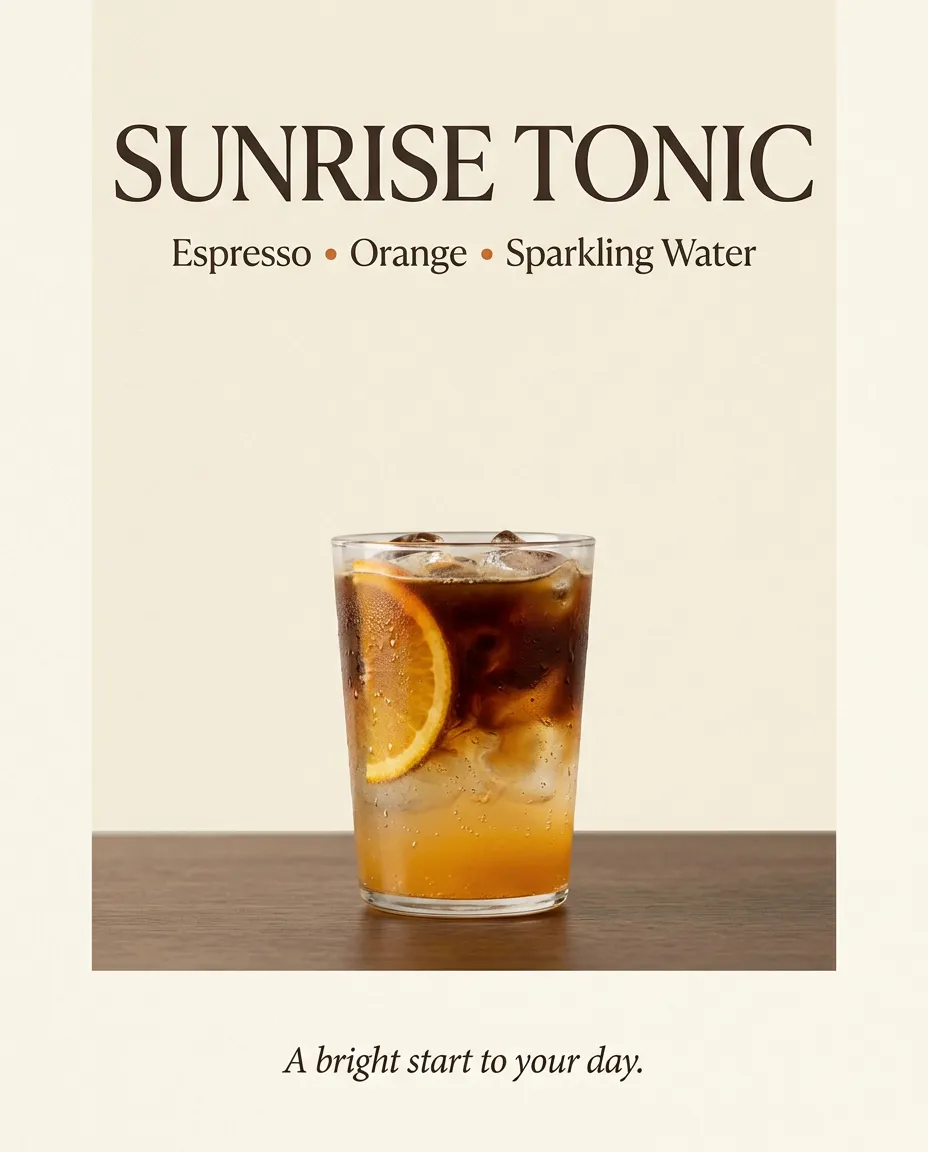
 Input
Input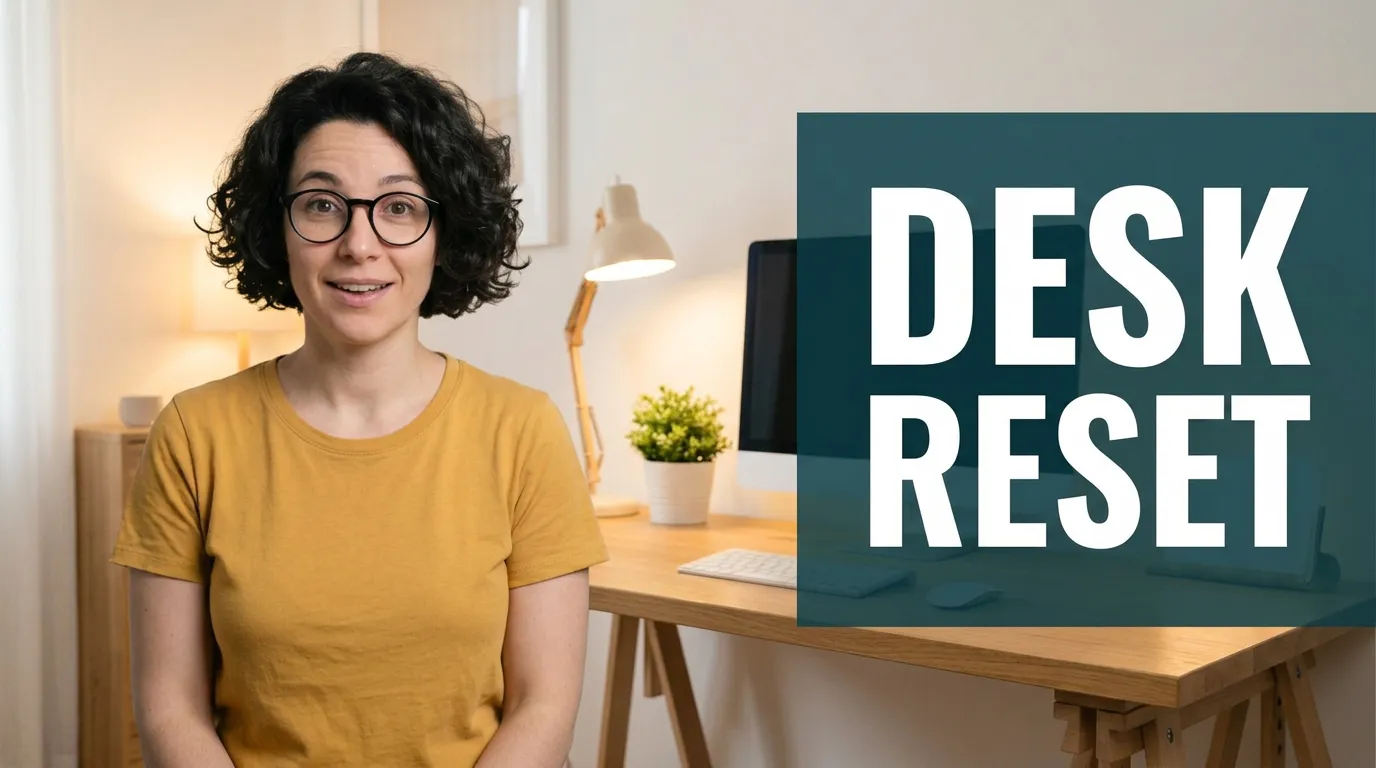
 Input
Input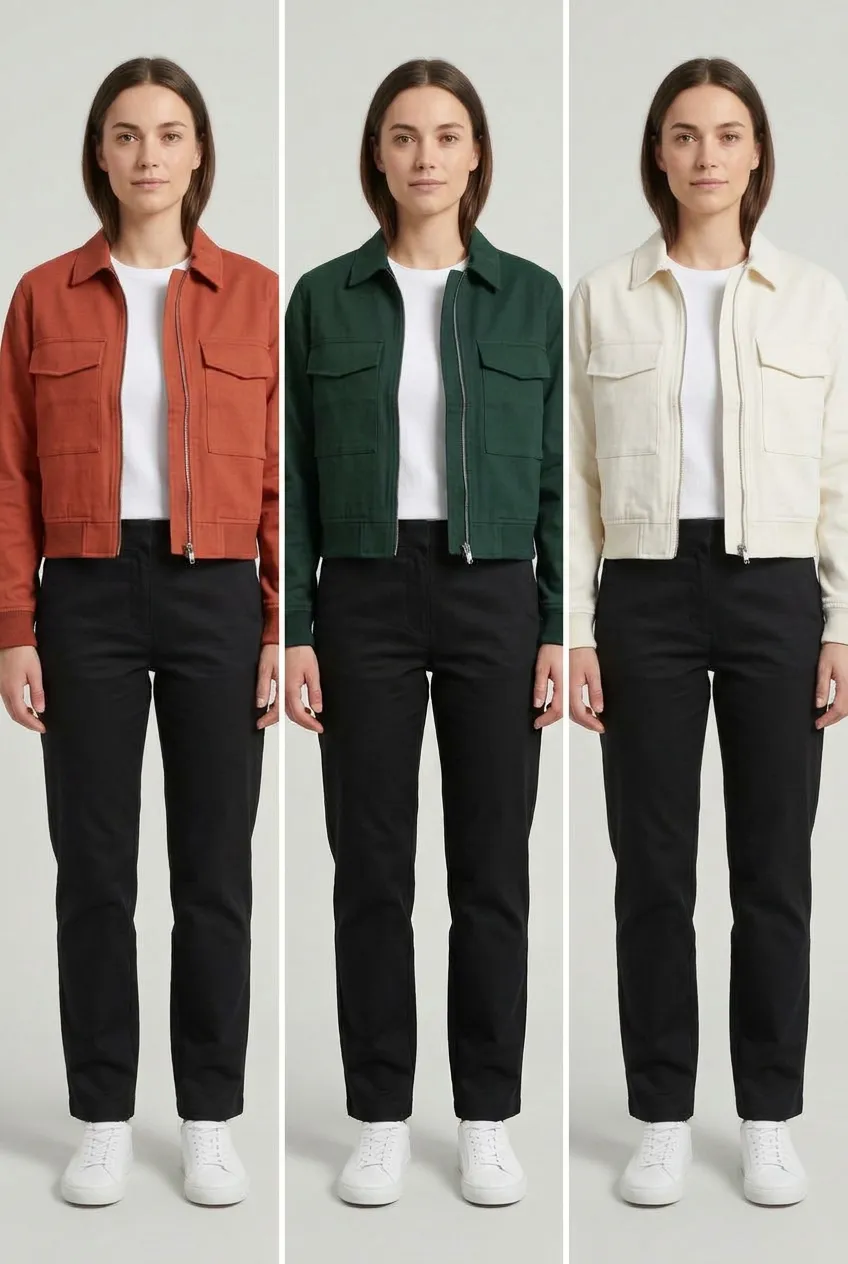
 Input
Input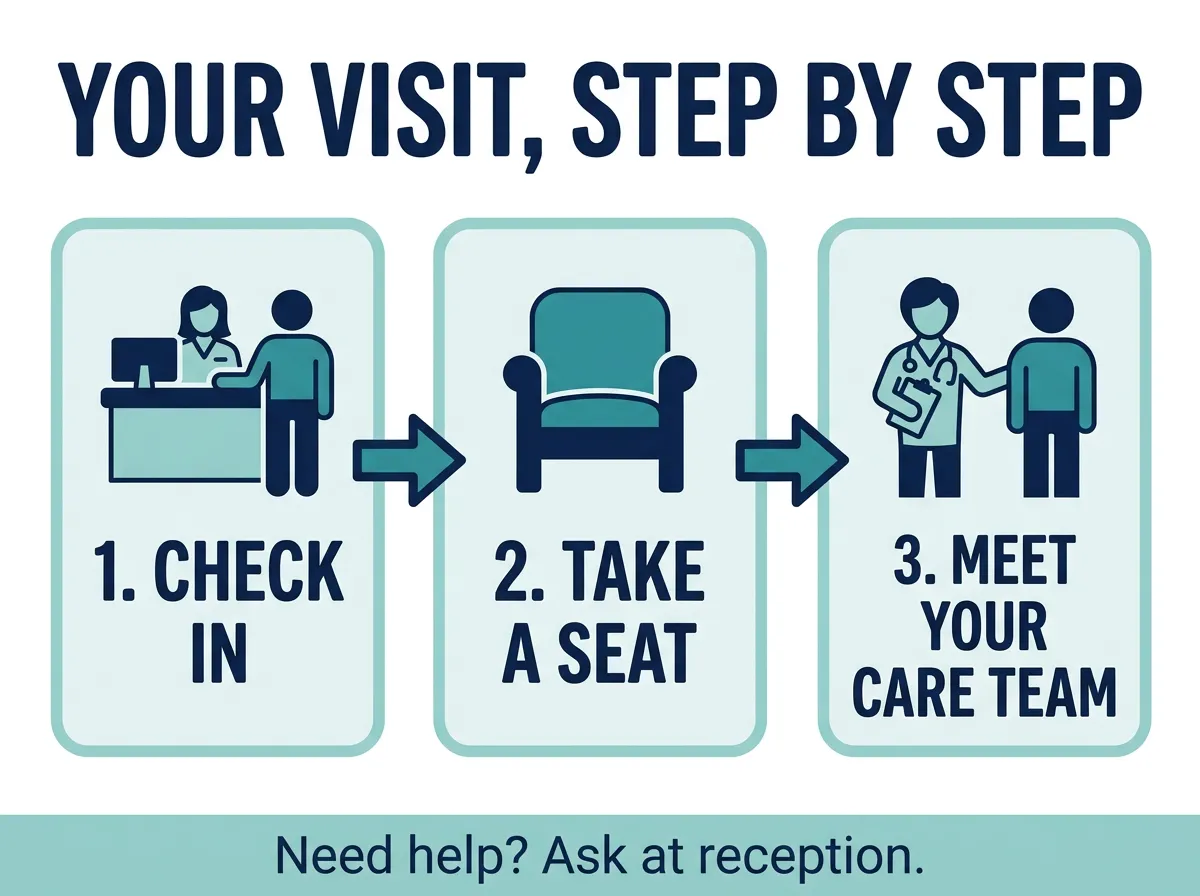
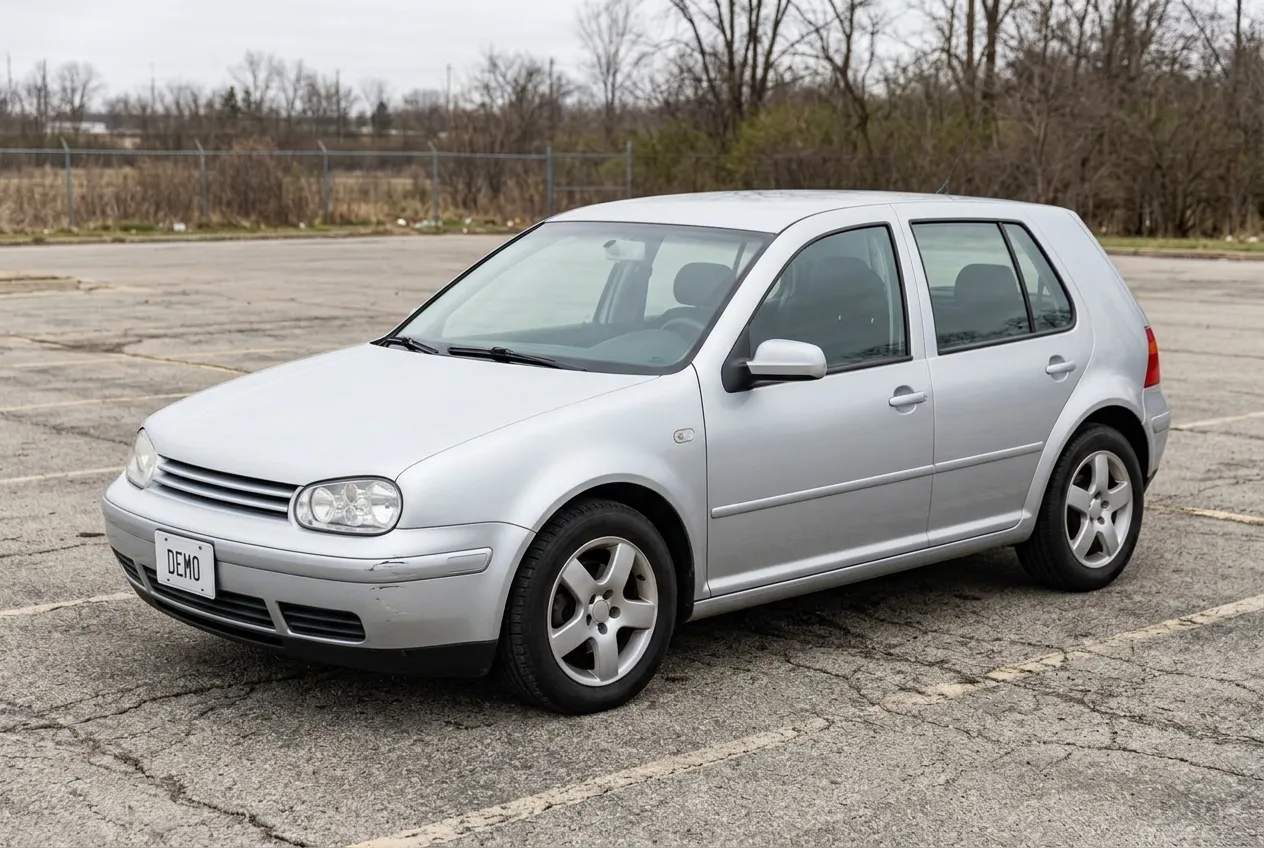 Input
Input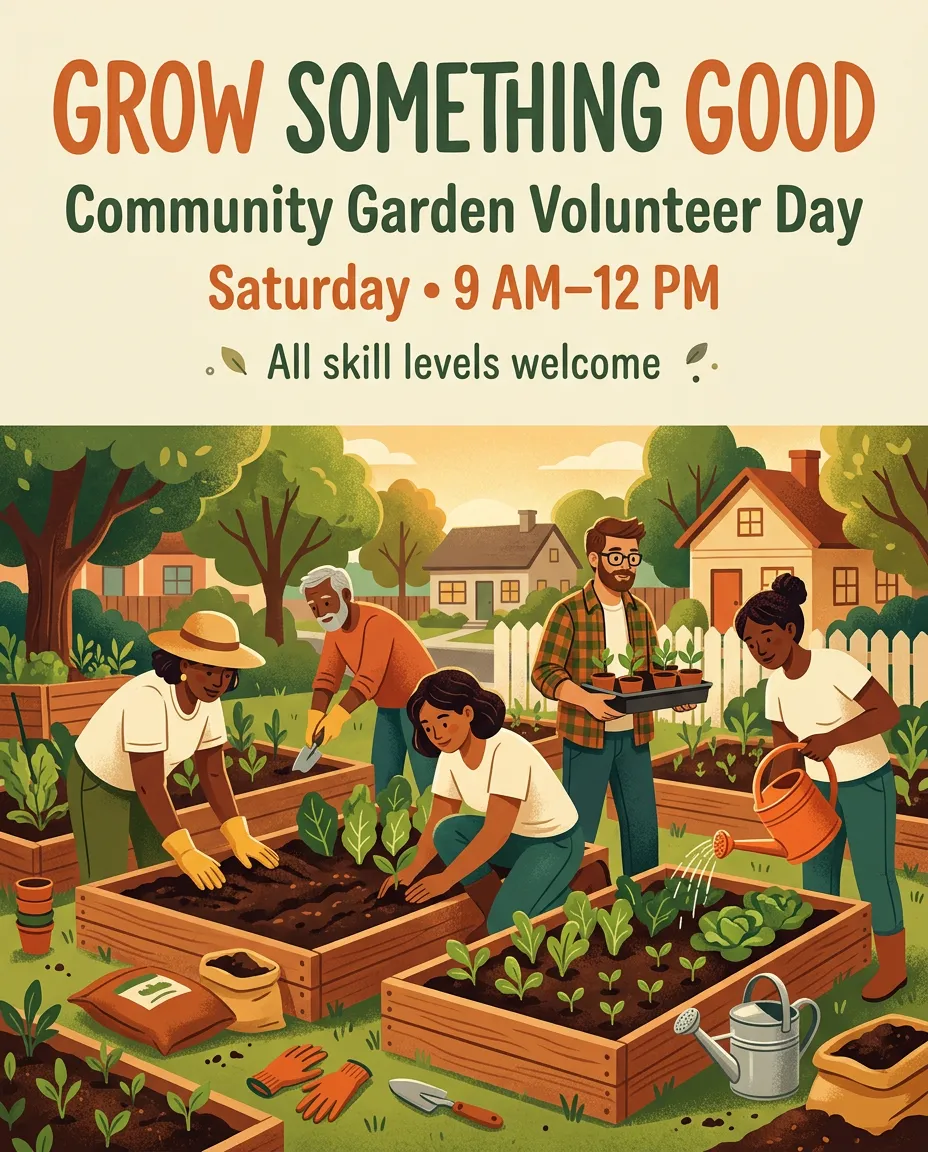
Built for your work
Practical applications across retail, advertising, hospitality, design, and publishing, with a prompting tip for each.
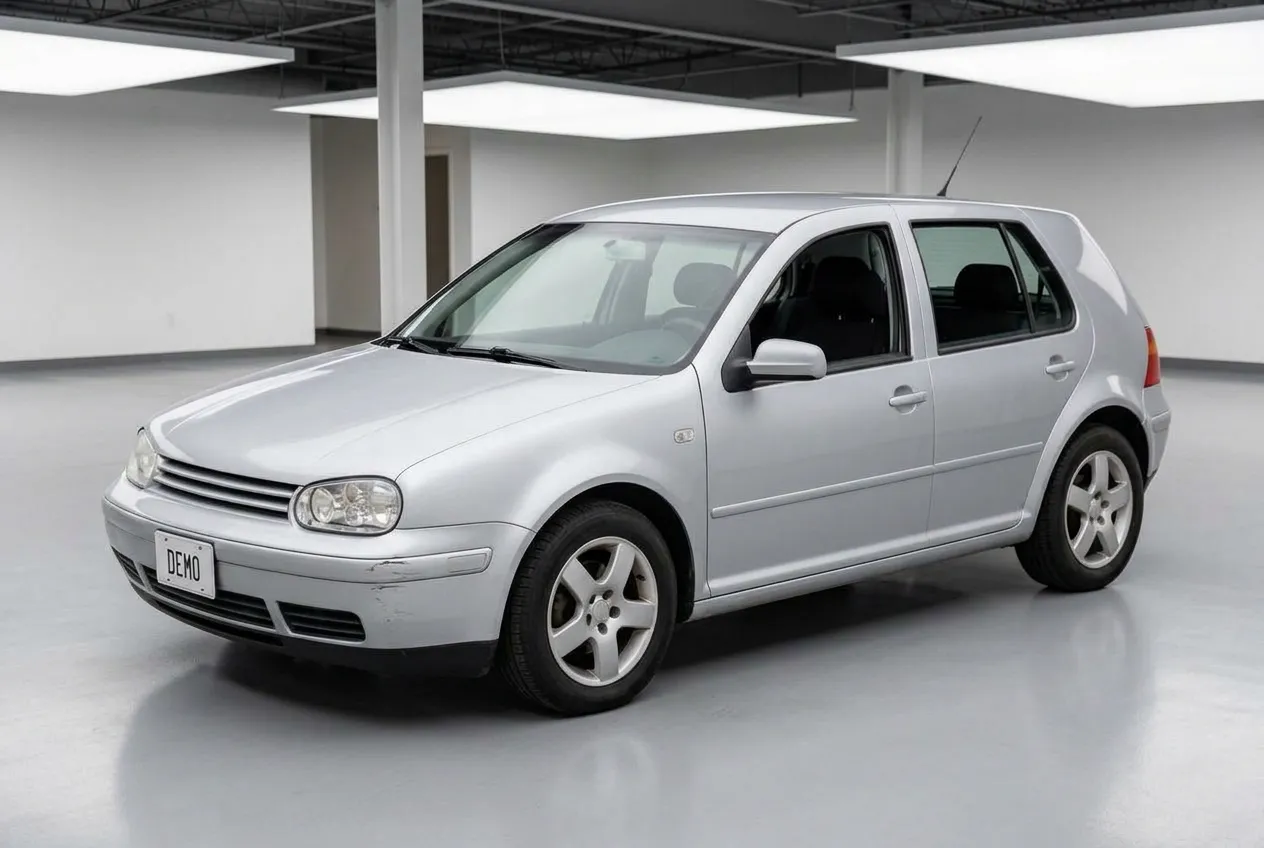
Create product listing concepts, lifestyle images, and promotional visuals from existing product photos.
Specify shape, color, materials, and packaging details to preserve. Describe the background and lighting separately.
Develop campaign concepts, ad variations, and localized graphics for different audiences and formats.
Define the audience, brand palette, headline, and layout. Put required wording in quotation marks.
Prepare concepts for seasonal menus, drink promotions, restaurant posters, and hotel campaign imagery.
Describe ingredients, presentation, and atmosphere. Use real references when depicting an actual dish, room, or service.
Explore virtual staging, furniture placement, material choices, and room color schemes using photographs.
Preserve camera angle, windows, doors, and dimensions. Specify furniture scale and label listing images as virtually staged.
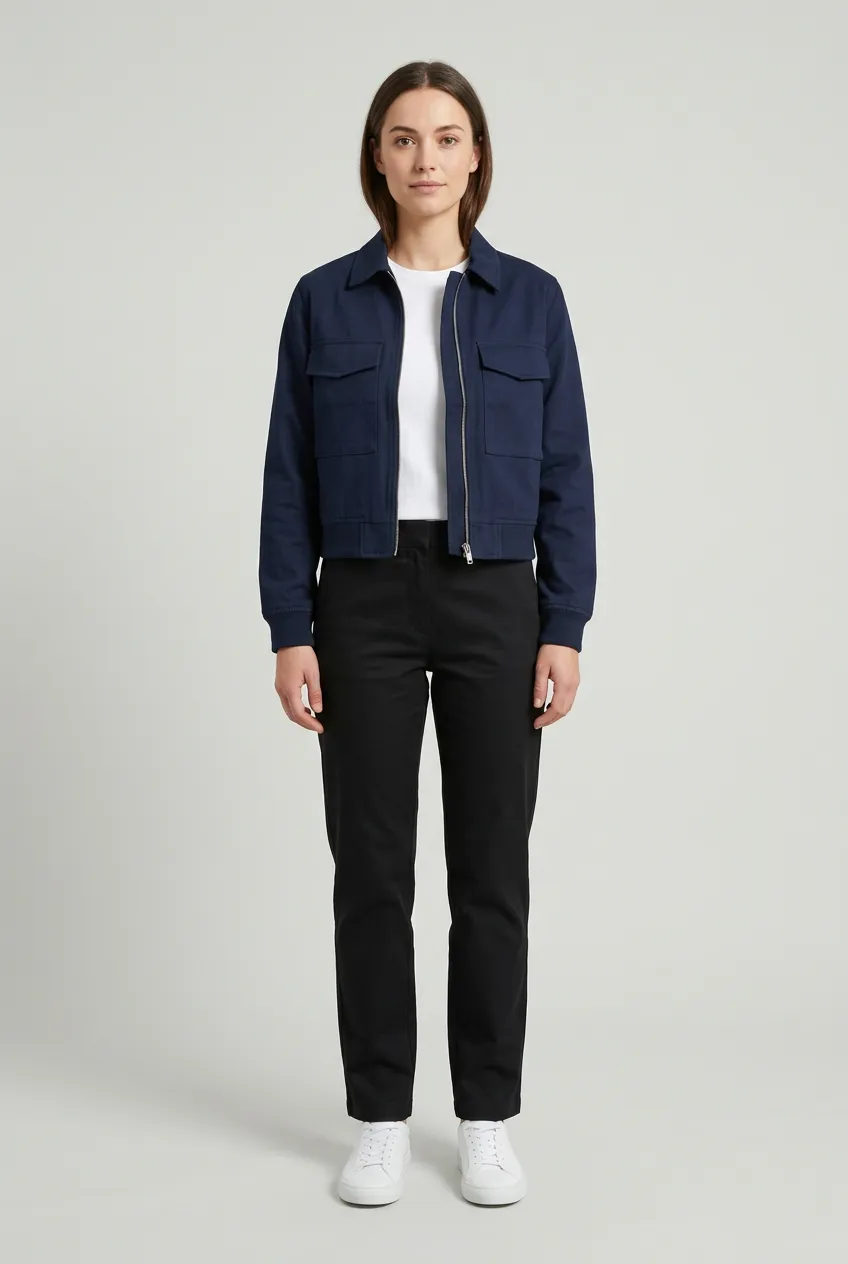
Create garment color variations, outfit concepts, and collection visuals from model or clothing references.
State what should change and preserve cut, stitching, fabric texture, and model appearance where required.
Produce video thumbnails, article illustrations, and recurring character visuals for a content series.
Set the publishing ratio, leave space for headlines, and reuse references across related images.
Good to know
Answers about credits, image editing, references, output sizes, and the online generator.
Start CreatingNano Banana 2.1 is Google’s updated image generation and editing model. It creates visuals from text prompts and uses reference images to guide new compositions or edits.
Yes. Select Text to Image and describe what you want. References are useful when you need to guide a specific person, product, or visual style.
Choose Image Editing, upload your photo, and explain what should change. Include the details to preserve, then inspect the result before further edits.
Check the current signup offer and credit balance in your account before generating. Trial availability and restrictions may change.
Nano Banana 2.1 costs 2 credits at 1K, 4 credits at 2K, or 8 credits at 4K. The tool displays the selected cost before you generate.
Choose 4K when it is available in the resolution selector and review the displayed cost. Higher-resolution requests can take longer.
The upload control shows the current workspace limit and supported file types. Clear references and a description of each image’s role help guide the result.
Results can vary. Specify what must remain unchanged and inspect facial features, product labels, garment construction, and room structure.
Review this website’s terms and applicable model terms for your intended use. Check images for accuracy and third-party rights before publication.
Check the generation status and your account’s credit history. Contact support for the applicable retry or credit-return policy.
The generation tool offers JPG and PNG output. Select the format that suits your workflow before generating.
No. This is an independent third-party tool website. It is not affiliated with Google or Google DeepMind.
Your next idea starts here
Bring your next visual brief to Nano Banana 2.1. Generate from text or edit an existing photo with settings that match your project.
Have an idea ready? Describe it in the generator. Have a photo to improve? Upload it and tell the model what to change.